Skip to content
Wheelhouse
Claude Code, Codex, Antigravity and Pi, in Rex and Herdr

Every piece of agent work
as a docket.

Wheelhouse follows every agent you run. It asks you only what you must decide, runs the reviews and builds you'd otherwise babysit, and keeps a signed record of all of it, on your Mac and your phone.

macOSRex or HerdrMIT licensed

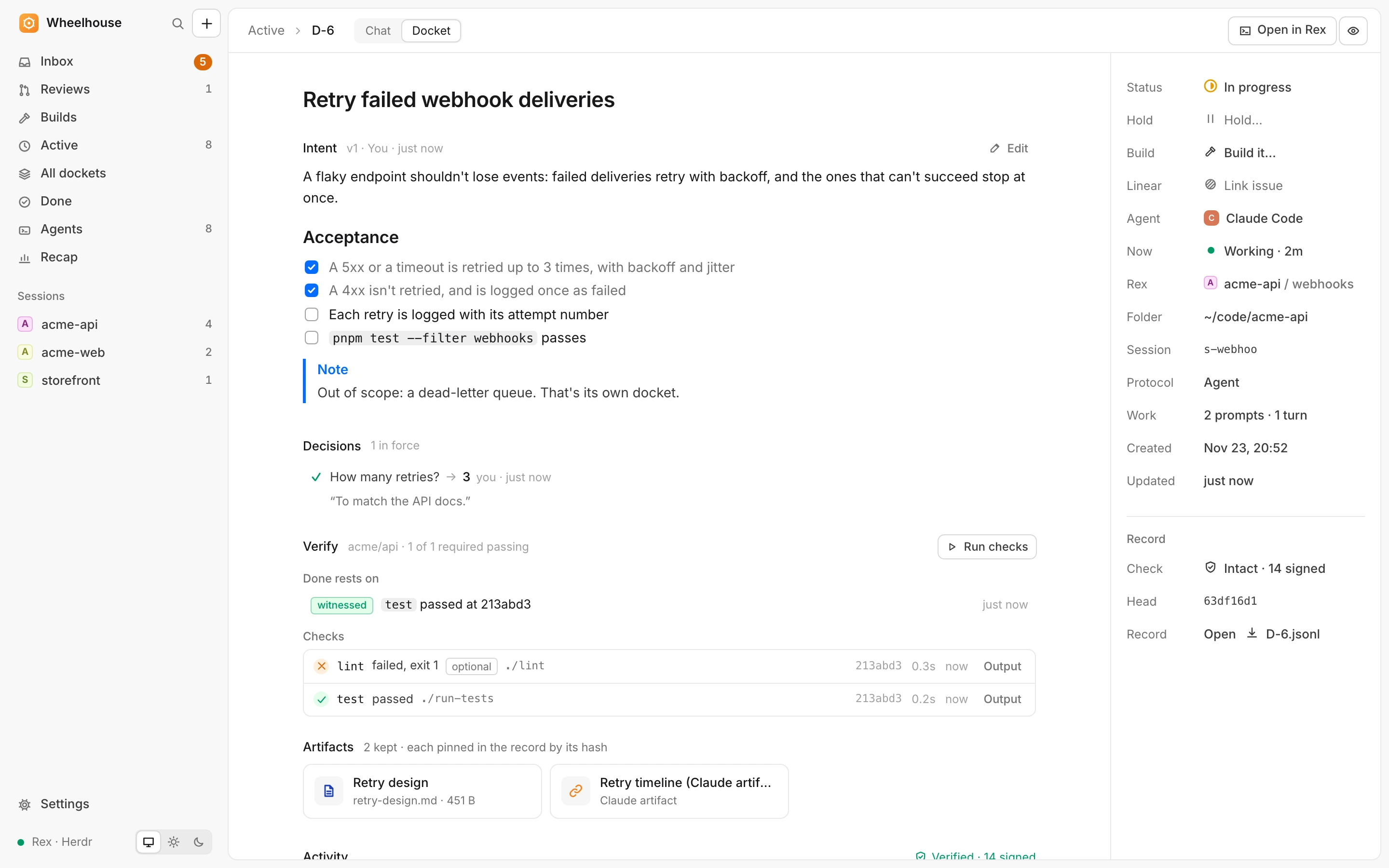
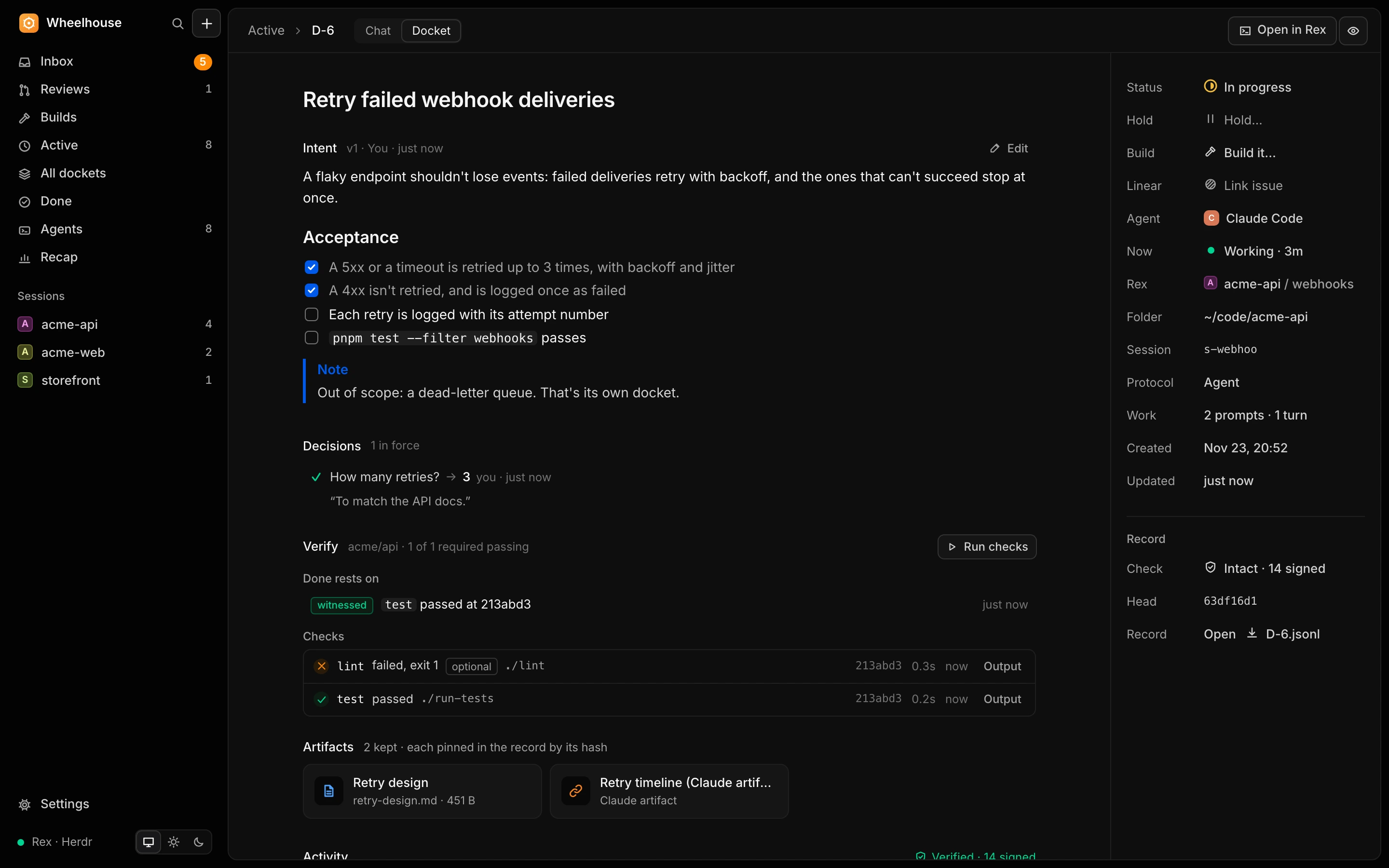
A docket in Wheelhouse: the Active list grouped by what needs you, and the docket beside it with its intent's acceptance boxes, the checks the hub ran, the files it kept, and its signed activityA docket in Wheelhouse: the Active list grouped by what needs you, and the docket beside it with its intent's acceptance boxes, the checks the hub ran, the files it kept, and its signed activity
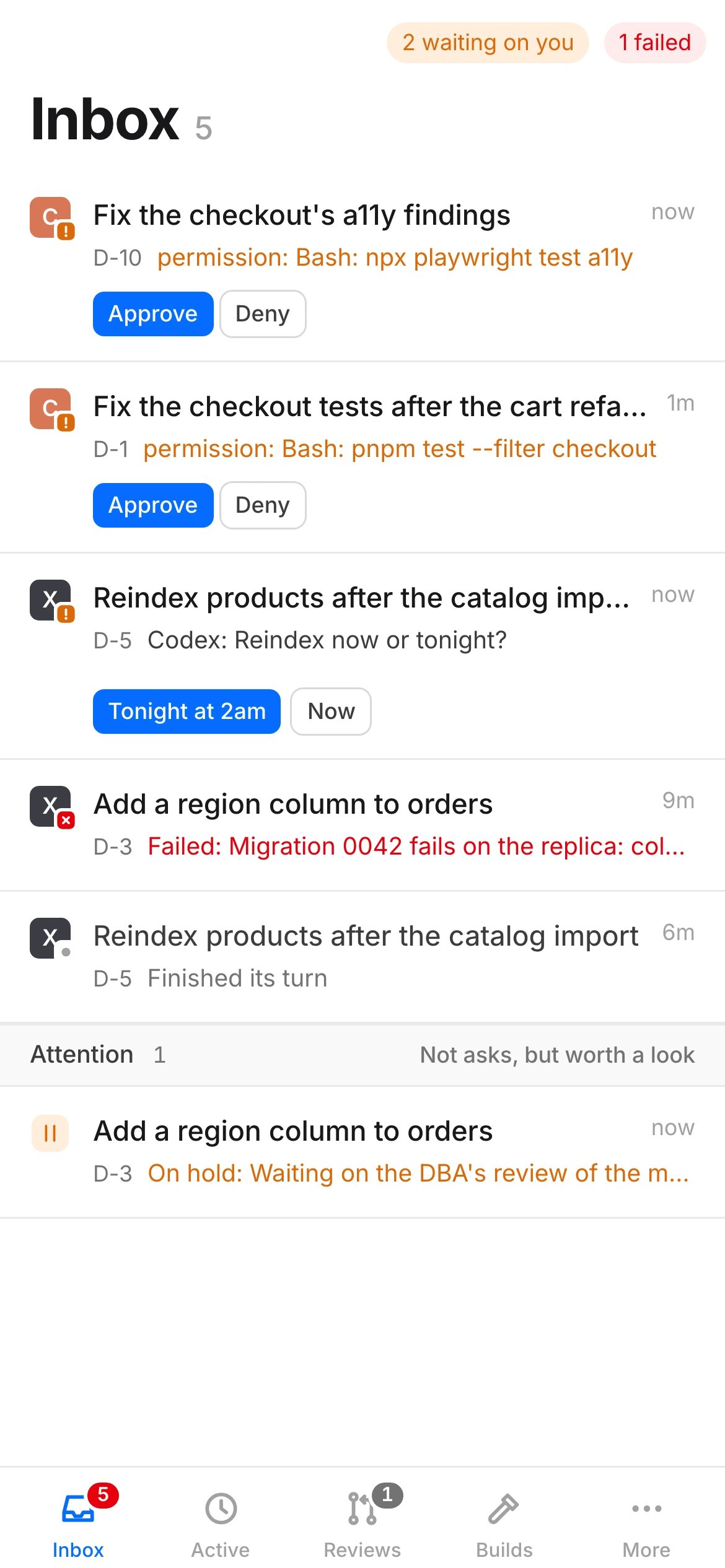
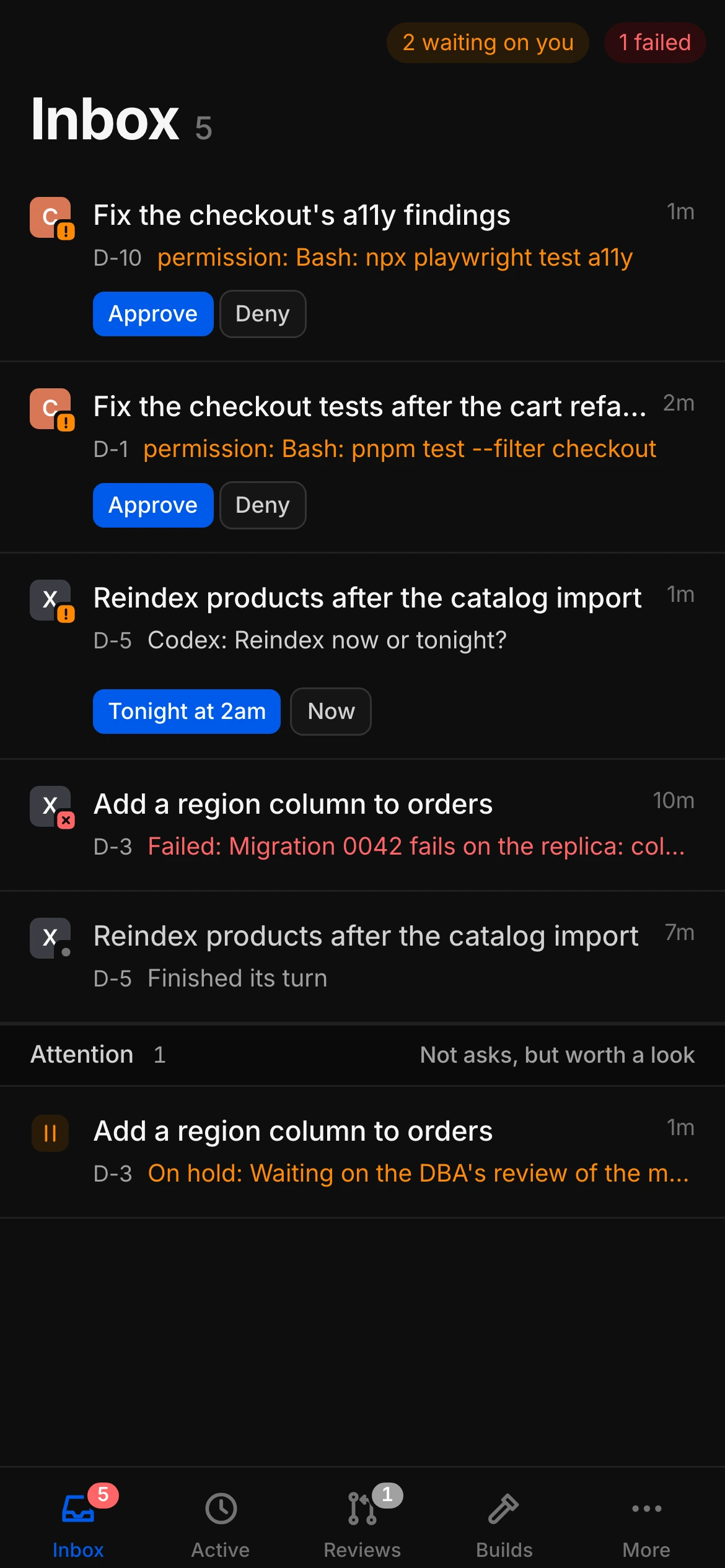
The Inbox on a phone: a prompt to approve with Approve and Deny, and a question with its answers as buttons
AgentsClaude CodeCodexAntigravityPi
RuntimesRexHerdr
WithGitHubLinearTailscale

Inbox

Agents do. You decide.

Every agent's permission prompts, questions, failures and finished turns land in one Inbox, ordered by what needs you. A question comes with its answers as buttons and the agent's recommendation first, and the agent keeps working on it while it waits.

  • Answer from the window, the menu bar, a notification's banner, ⌥⌘K over any app, or your phone.
  • The prompt is read again from its pane before a key goes in.
  • Quiet by default: it tells you only what needs you, and only once.
Inbox and Chat

Chat

Talk to any agent from your phone.

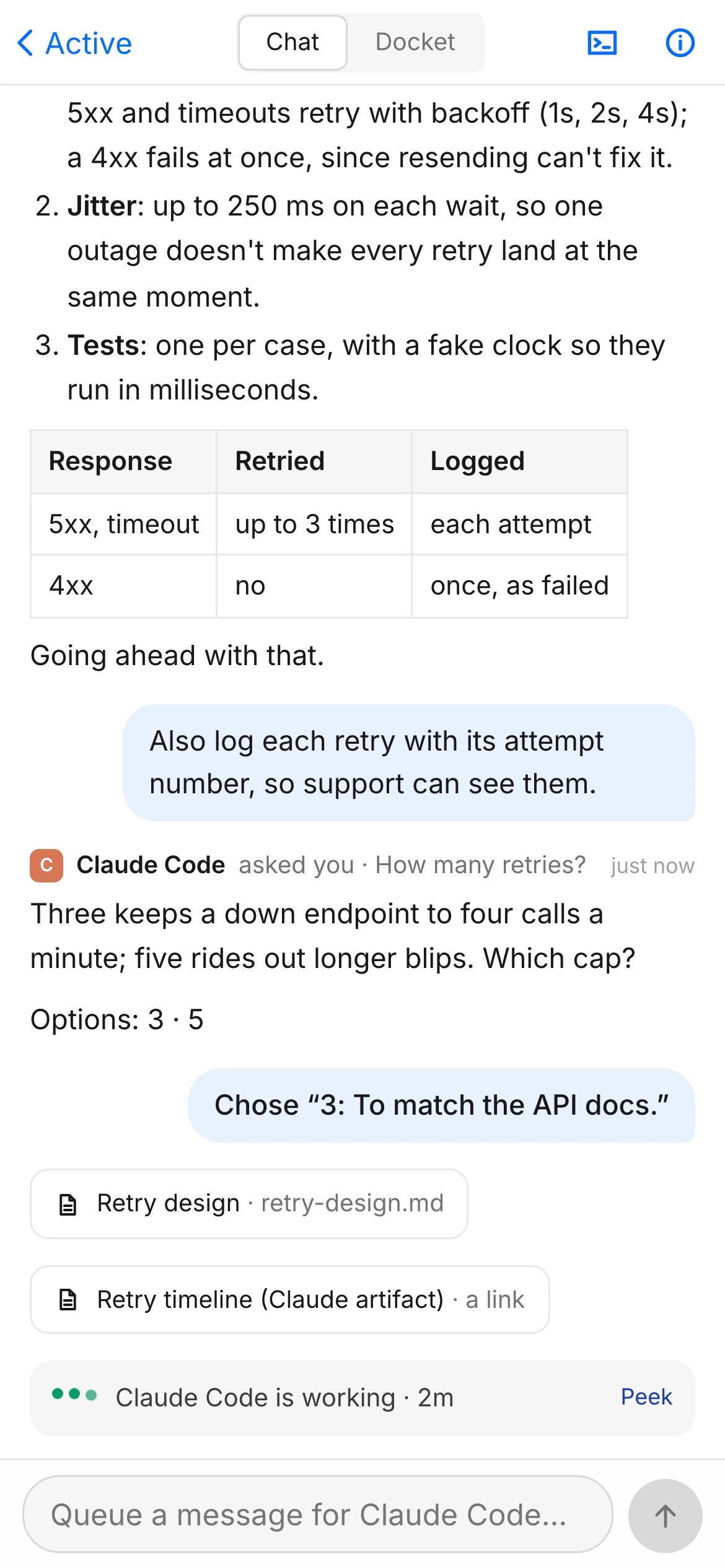
Open a docket and you're in its chat. What you send while the agent works waits, and goes in when its turn ends; Send now steers it mid-turn instead. Its reply comes back as a push.

  • The same app on your phone, over Tailscale, to your user only. Add it to your Home Screen.
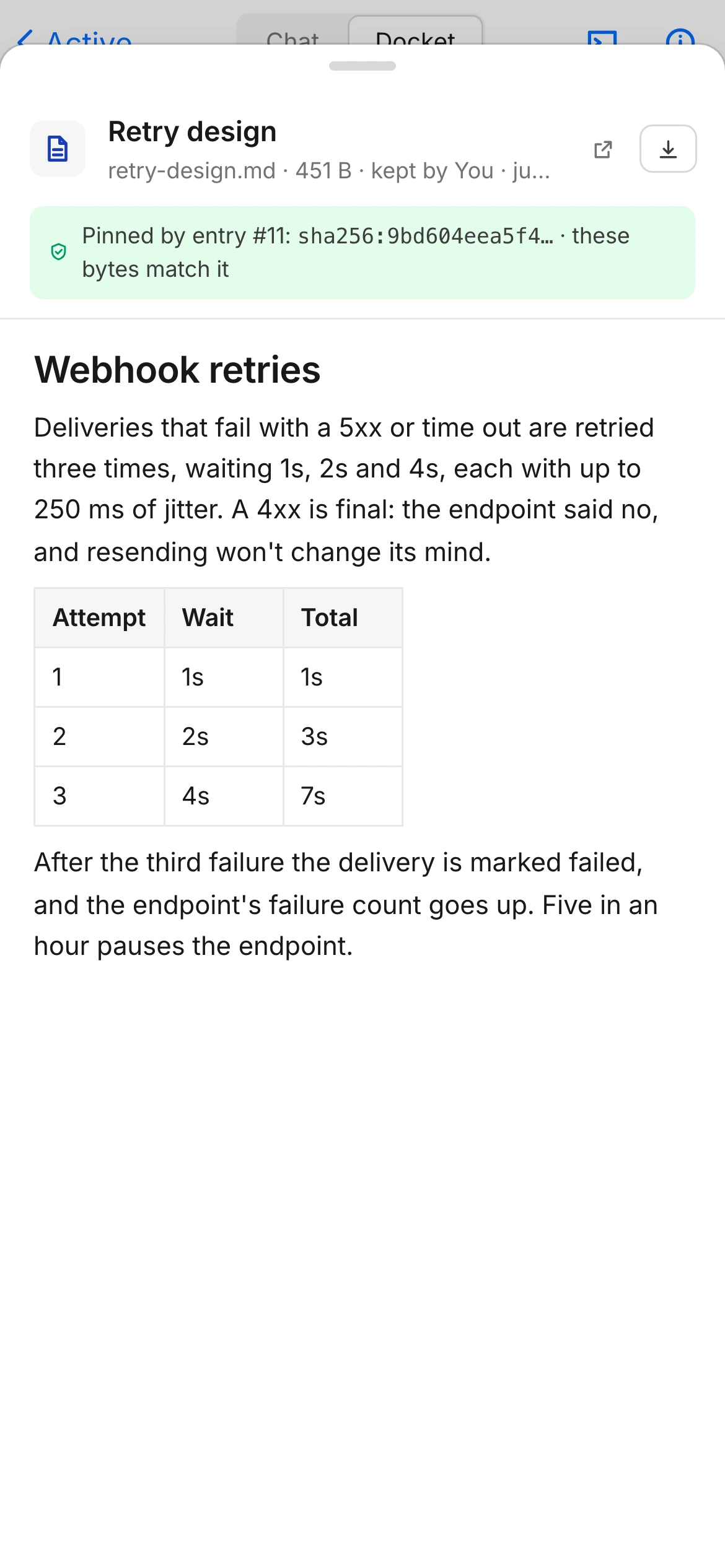
  • Kept files open on the phone too, pinned by their entry's hash.
Web and phone
Chat on the phone: your prompt, the agent's plan with a table, and a box to queue the next message while it works
A kept file open on the phone, pinned by its entry's hash

The composer

Steer the whole docket from one box.

At the foot of a docket's Activity, a note is a note. A command reaches every agent on it, in Rex and Herdr alike, and lands on the record.

  • @tests instructs one agent, @all every one. It waits if they're working.
  • /ask puts a question to them, with its answers as buttons.
  • /decide records a decision that stands in each of their briefs.
  • /task adds another agent with that prompt.
The composer

Review · Build · Verify

The work you'd otherwise babysit.

Review's and Build's agents never push, post or open a PR. Wheelhouse does, with your gh login, after you approve, or under a standing order you wrote. Nothing ever merges.

Review

A PR that requests you gets blind reviewers, a checker that merges their drafts and rates the merge risk, and a post you approve. Each round's report stays with the docket.

How Review works

Build

A docket's intent becomes a PR. A builder plans and builds, a checker checks, and you approve the plan and the PR before anything reaches GitHub. Review comments and failing checks become rounds of fixes.

How Build works
  1. IntentWhat must be true when it's done
  2. PlanApproach, decisions, out of scopeYou approve
  3. BuildThe builder implements, tests, commits
  4. CheckThe checker checks it against the plan
  5. VerifyThe hub runs your checks at the commit
  6. Open PRTitle, body, commits, as they'll openYou approve
  7. RoundsFixes, and one reply per threadYou approve

Verify

The hub runs your repo's checks itself, at the commit, and records them as witnessed. A docket closes on evidence, not on what an agent says.

Verify

Recap

What happened today, this week or in 30 days, as a standup note, and the tokens all of it took and what they cost at API prices, by provider and model, kept long after the tools prune their transcripts.

Recap

The record

A record you can check.

Each entry on a docket is signed and chained. wh verify shows that nothing was changed, removed or reordered, every kept file included, and an exported record checks without the hub.

  • said What an agent or a person wrote.
  • witnessed What the hub saw or ran itself.
  • checkable What the hub read from a source anyone can read again: a PR, an issue.
The record

Rex and Herdr, together

One list of agents, wherever they run.

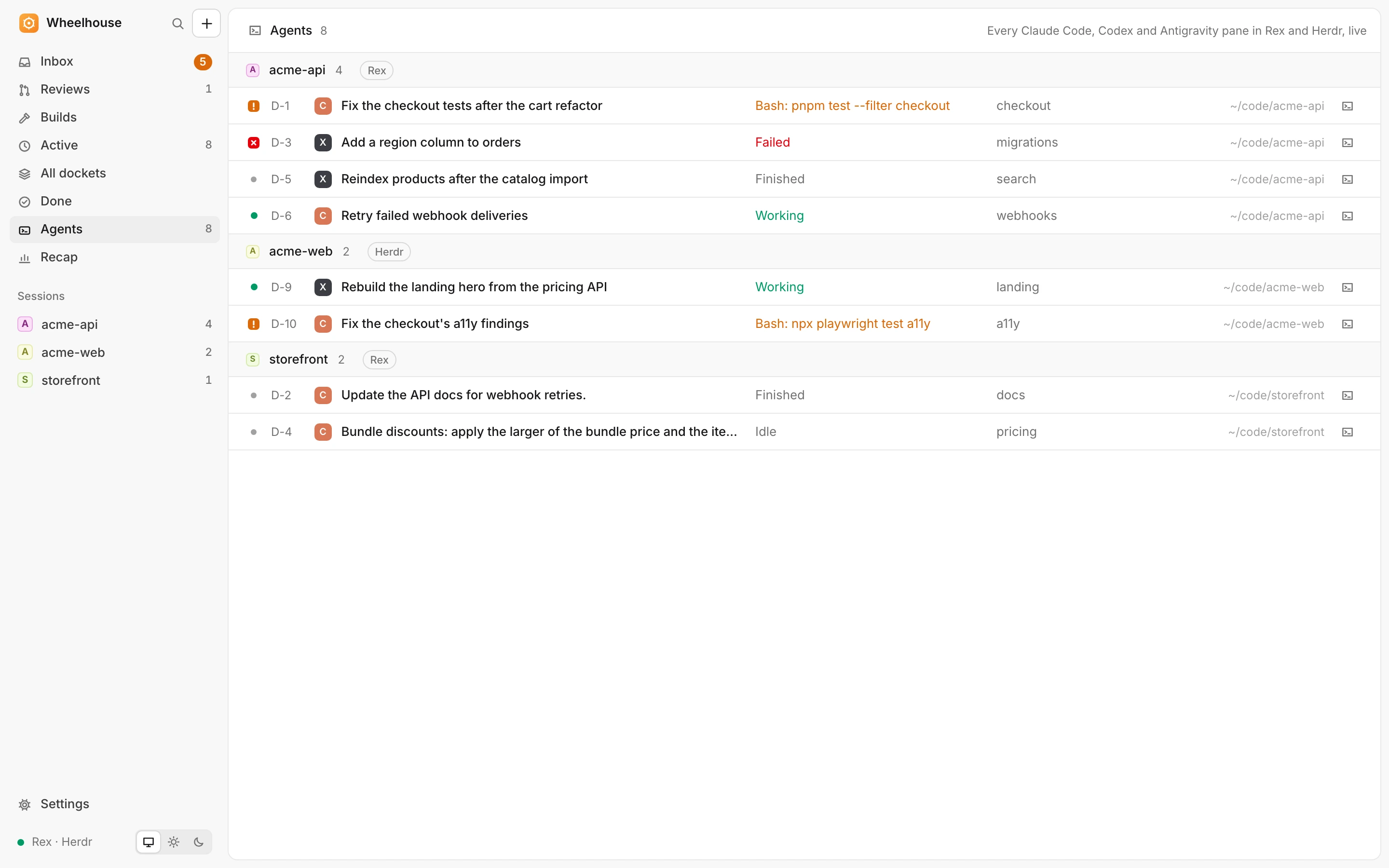
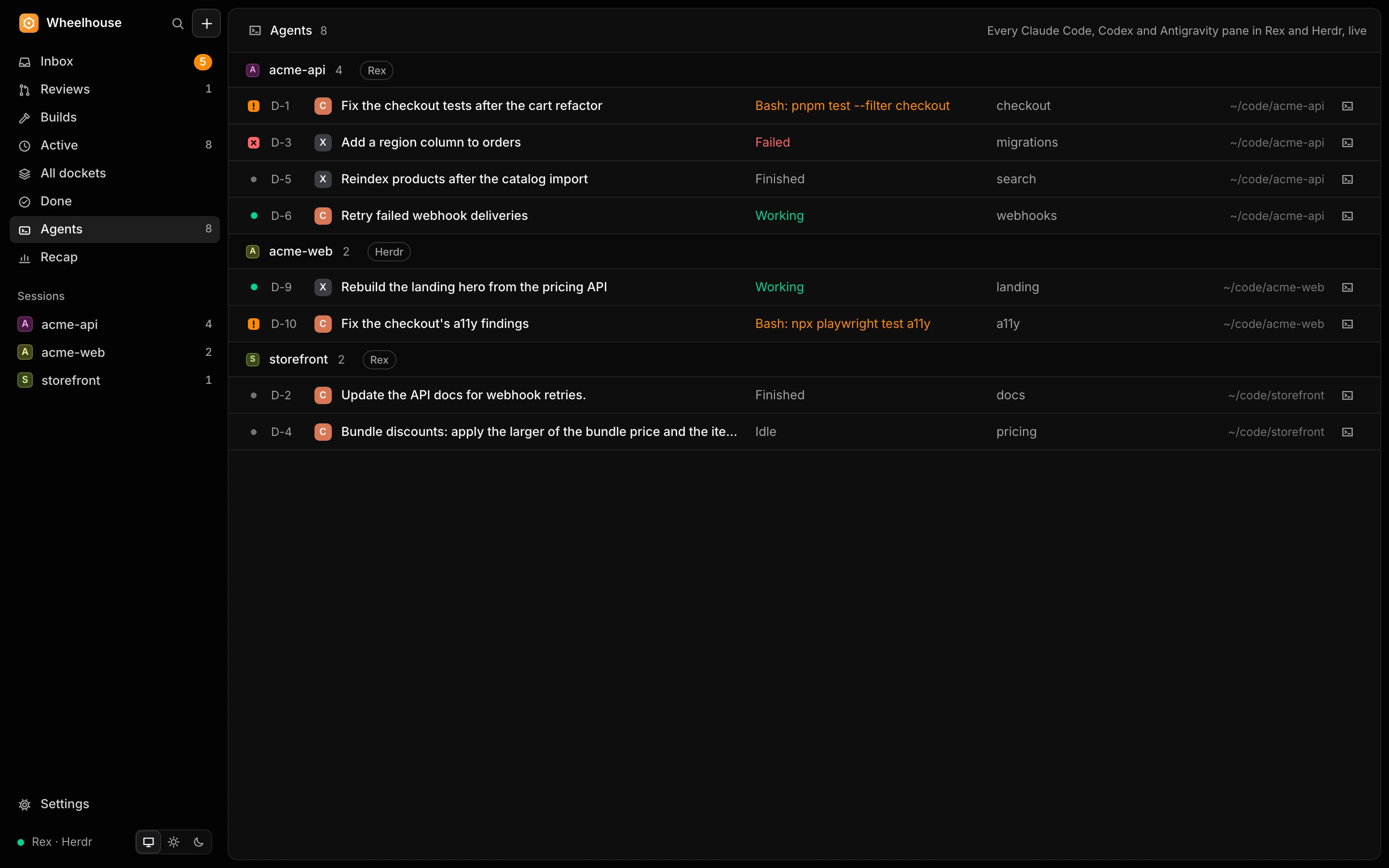
Wheelhouse follows Rex and Herdr at the same time. Several agents can work one docket in both at once, and message each other across them.

The Agents view: agents in Rex's acme-api and storefront sessions and in Herdr's acme-web space, side by side, each with its state and docketThe Agents view: agents in Rex's acme-api and storefront sessions and in Herdr's acme-web space, side by side, each with its state and docket

Teams

A wheelhouse of wheelhouses.

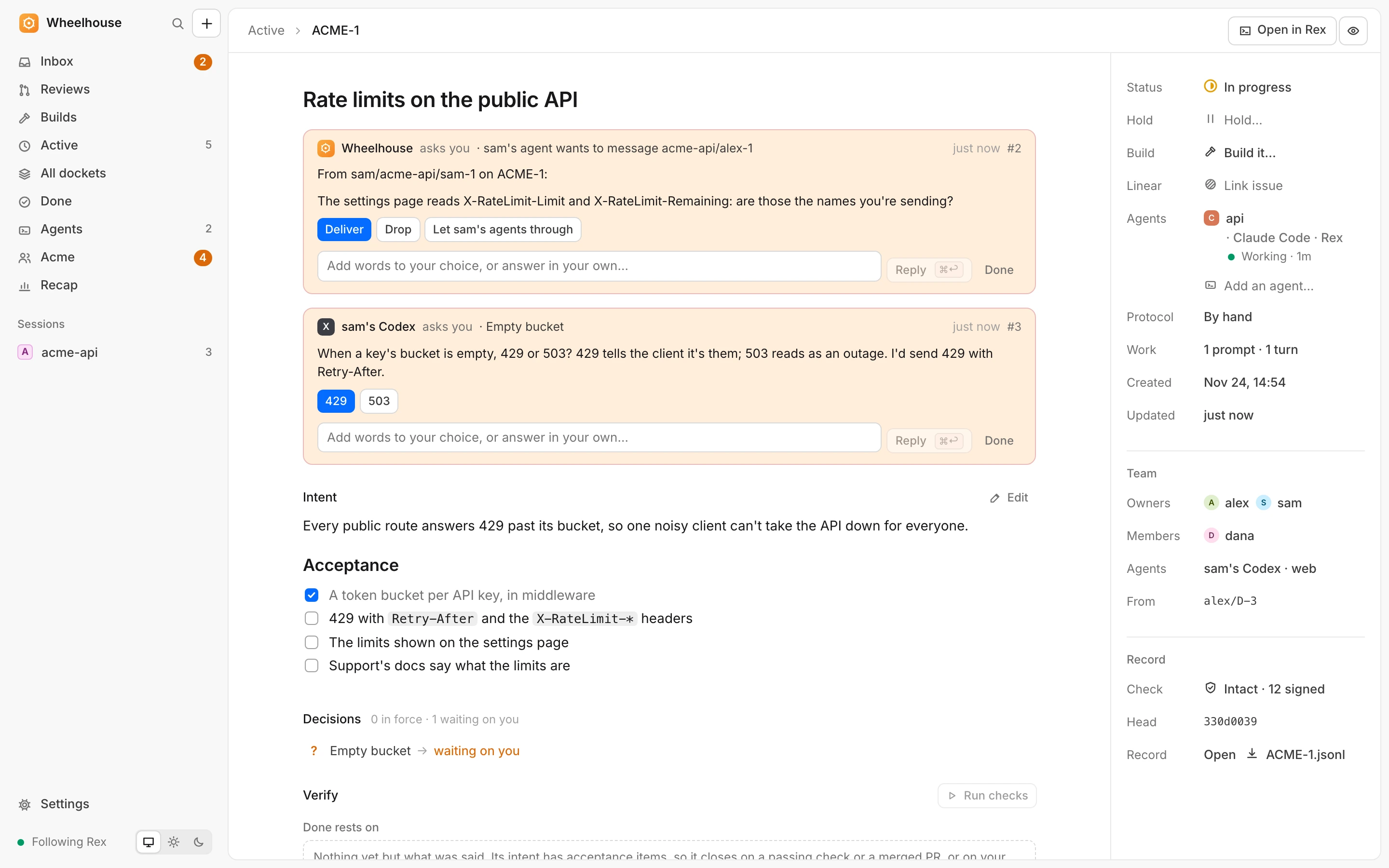
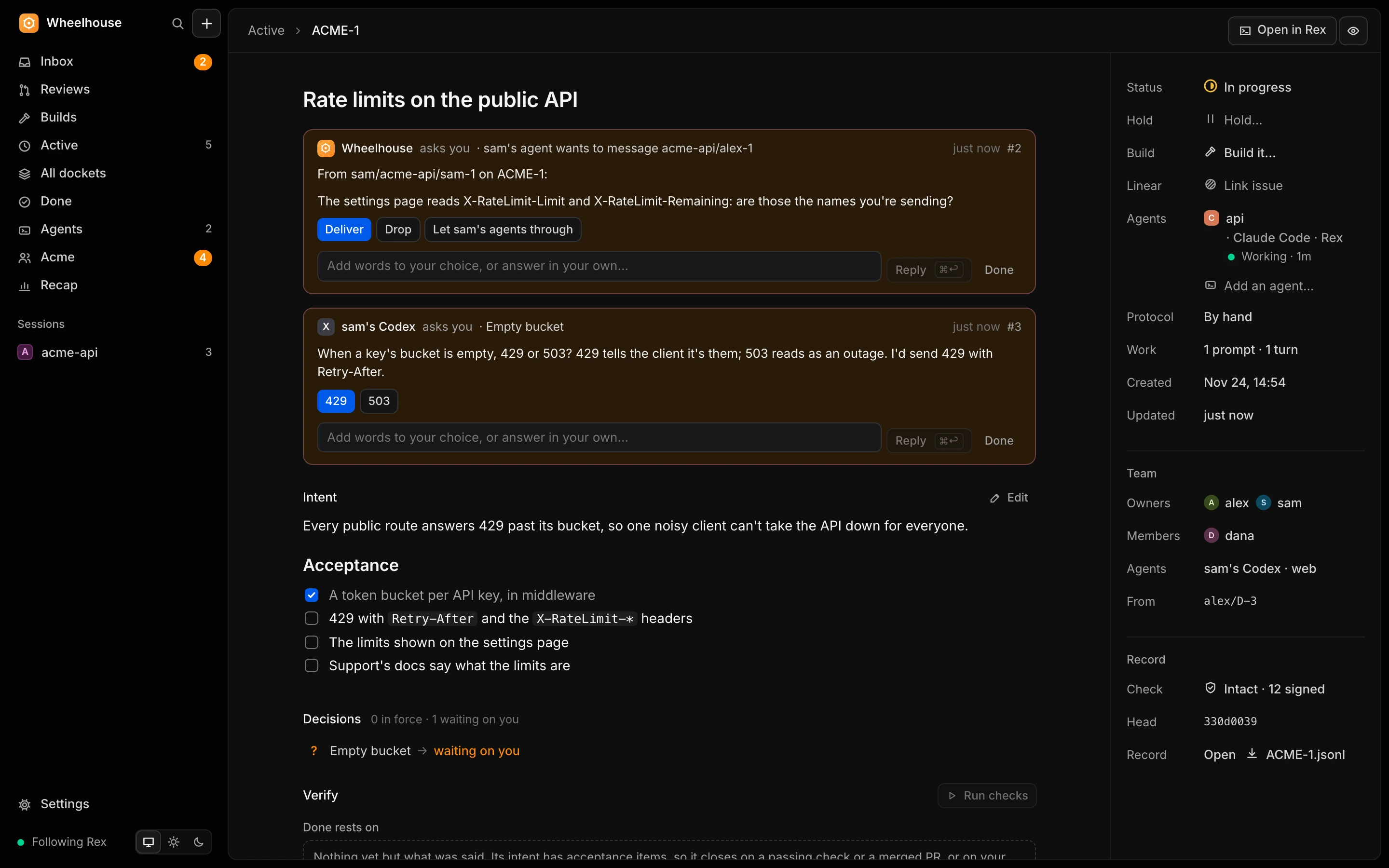
Share the dockets you choose with your teammates, see who's on each, people and agents alike, and let your agents work with theirs across Macs, on one signed record. Your panes, credentials and approvals stay on your Mac.

How teams work
A shared docket: a teammate's agent's message held with Deliver and Drop, its question with two answers, and its owners, members and teammates' agents in the propertiesA shared docket: a teammate's agent's message held with Deliver and Drop, its question with two answers, and its owners, members and teammates' agents in the properties

Keyboard first

Every key you'd expect.

The same keys in Wheelhouse.app and the web app. ⌘/ lists them all.

⌘K
Search dockets and commands
⌥⌘K
The palette, over any app
GI
Go to the Inbox
JK
Move through a list
AD
Approve or deny a prompt
1–6
Pick an agent's answer
C
New docket
⌘⇧↩
Send now, mid-turn

Set it up in one command.

just setup builds the hub, runs it at login, installs your agents' hooks and skill, and puts Wheelhouse.app in your Applications. Every agent you already have is a docket the moment it opens.

Terminal
$ git clone https://github.com/captjt/wheelhouse ~/src/wheelhouse
$ cd ~/src/wheelhouse
$ just setup